Step 1
Pay Securely
Use any UPI app and keep the amount same as the selected course price.
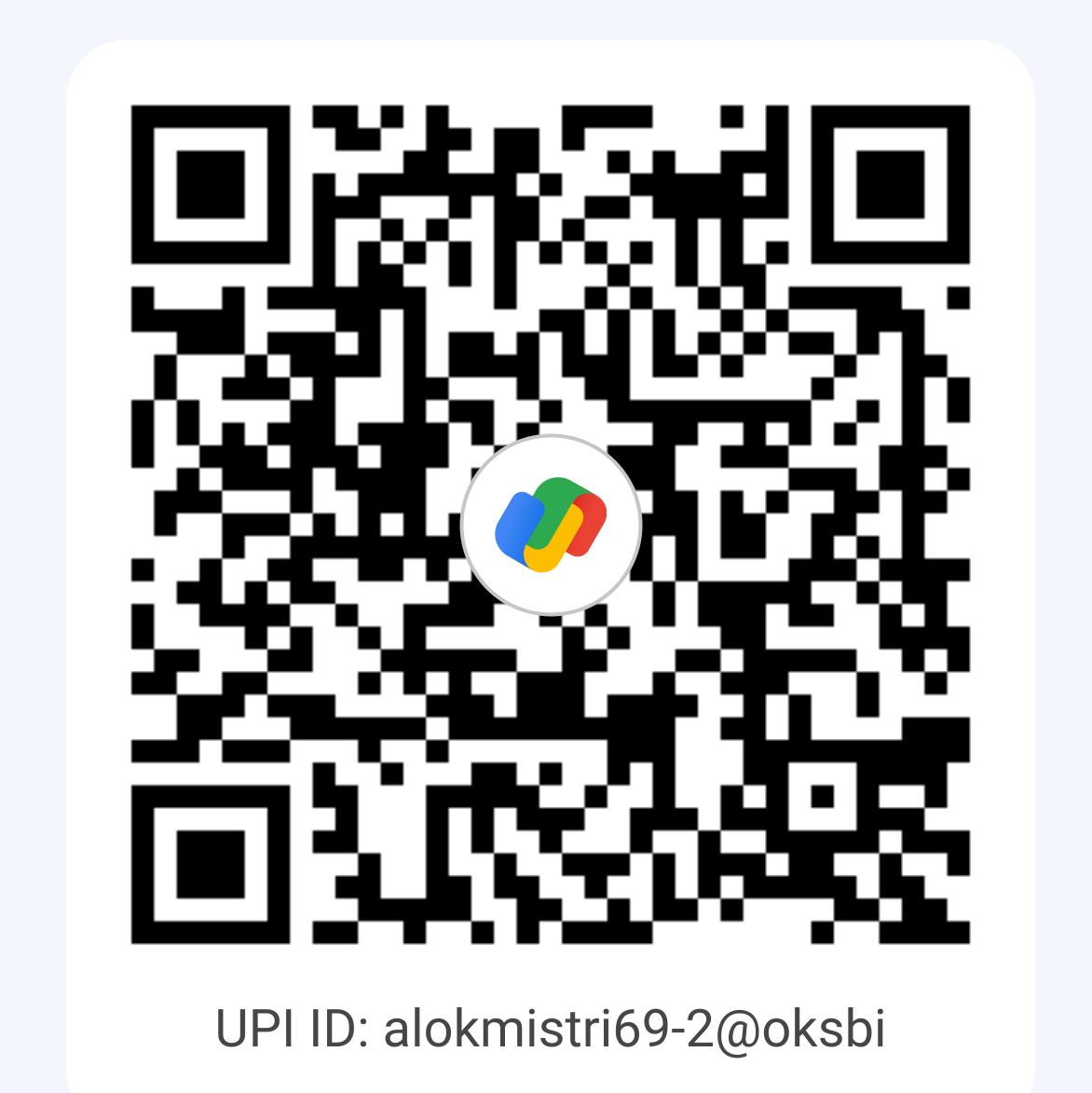
Pay With UPI ID
alokmistri69-2@oksbi
 Uncut_Lesson


Course Checkout
Pay with UPI, upload your payment screenshot, and your Gmail will be reviewed for Google Drive course access.
Desktop view keeps payment and access request side by side for faster checking.
Mobile view is arranged step by step so students can pay, upload, and submit without confusion.
CourseSelected Course
AmountRs 0
Step 1
Use any UPI app and keep the amount same as the selected course price.
Pay With UPI ID
alokmistri69-2@oksbi
Step 2
Your selected course is filled automatically. Change it only if needed before submitting.
Selected CourseSelected Course
Selected PriceRs 0
After verification, your Gmail will be added to the selected Google Drive course folder.